







Create a visual food diary
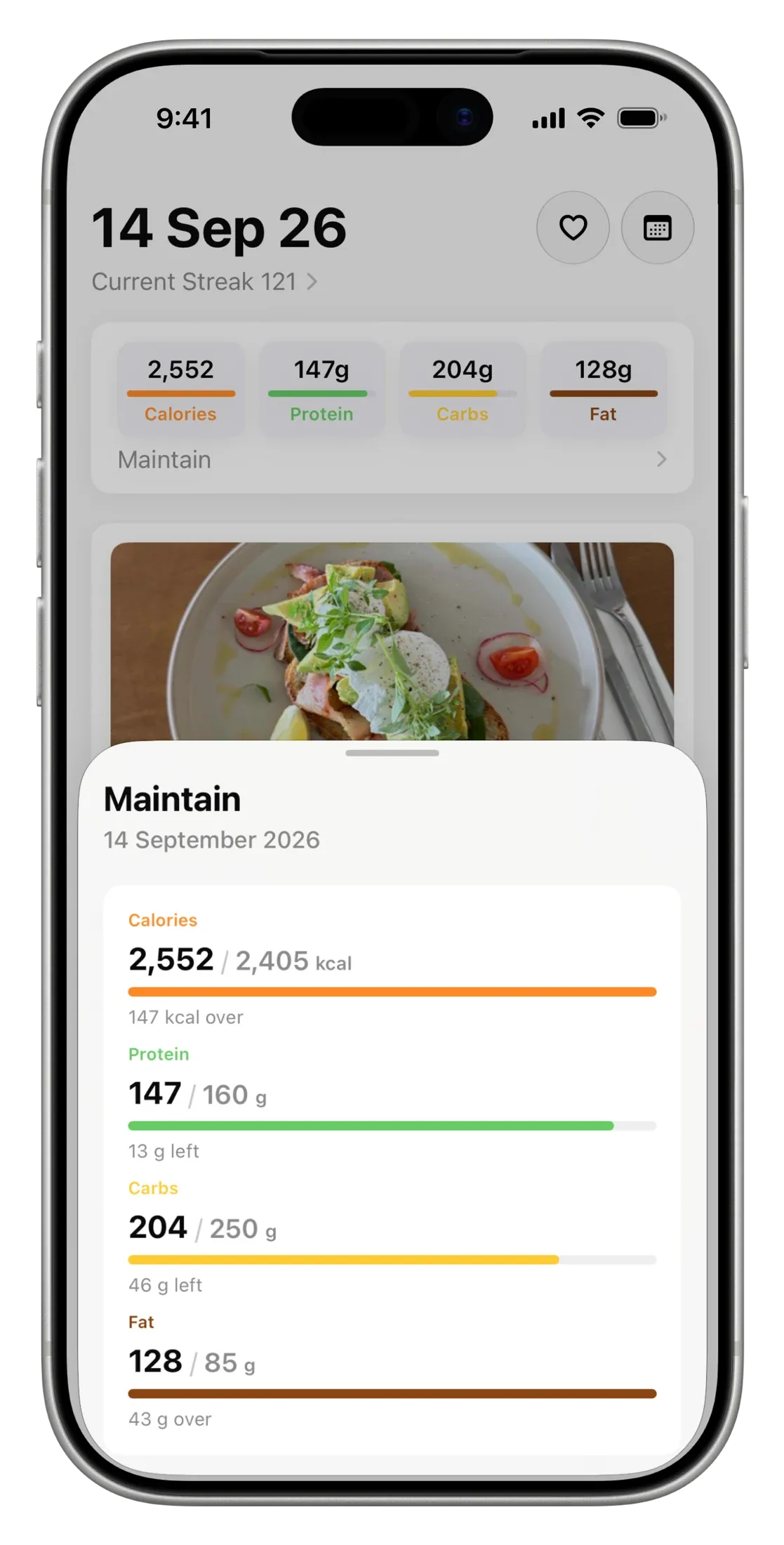
Nutrify encourages whole food eating by keeping it visual. See your foods alongside calories, macronutrients and micronutrients throughout your visual food diary.


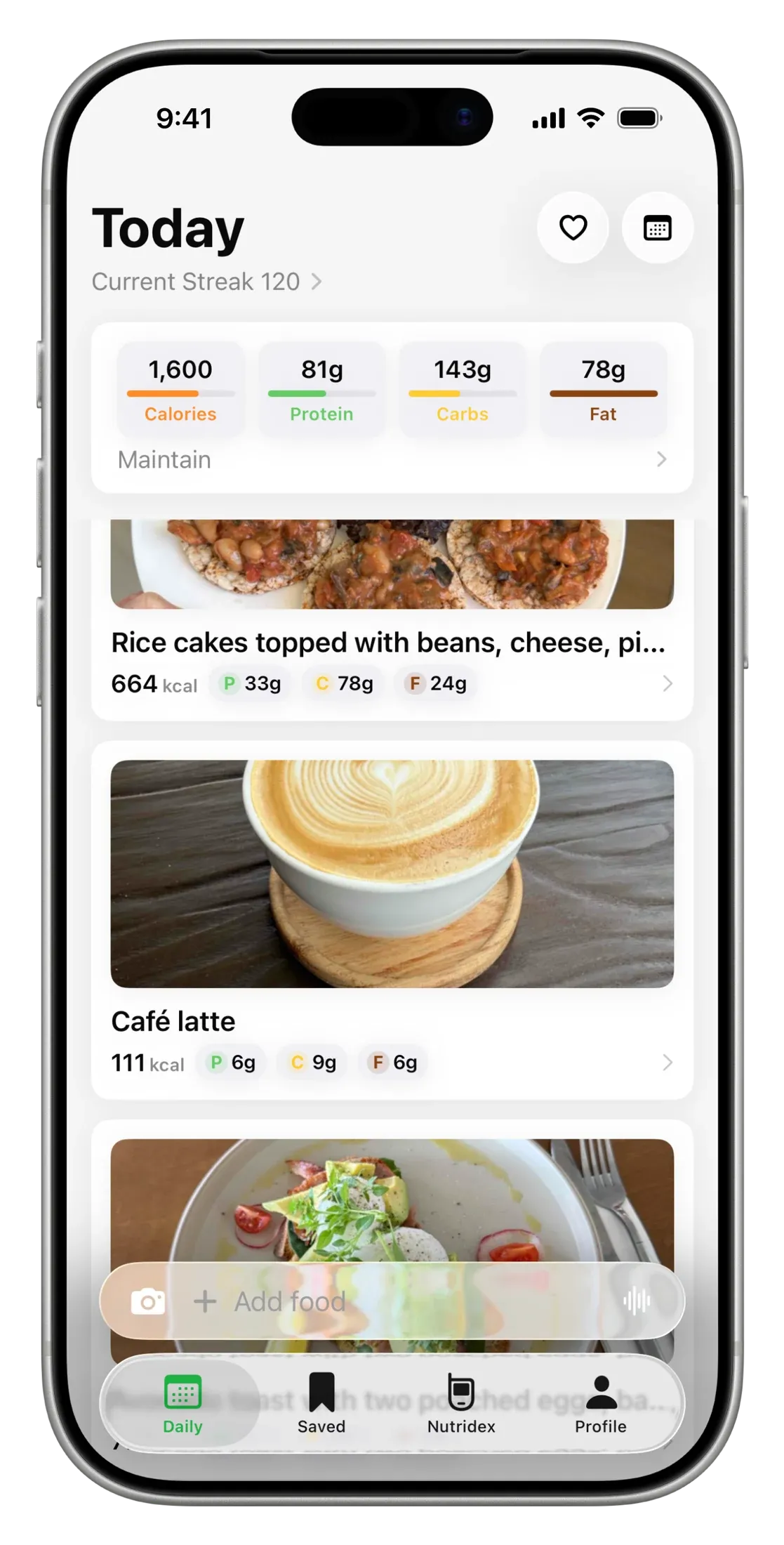
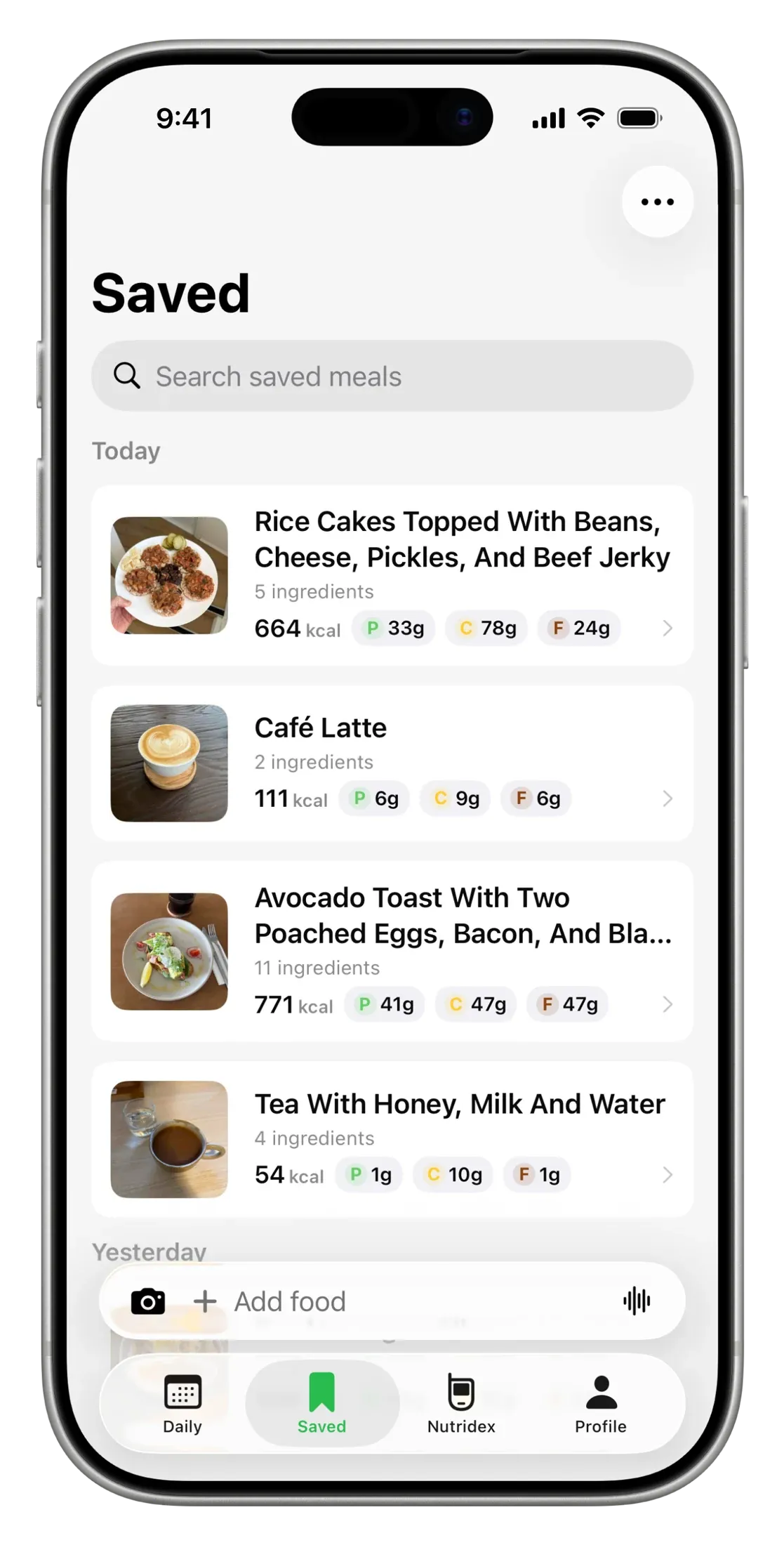
 Nutrify 3.0 is here.Three new modalities, 100+ new food icons, share with stickers and more.
Nutrify is a whole food-focused nutrition tracking app. Take a photo or describe a meal with text or voice. Nutrify breaks it down and shows useful nutrition information and helps you keep a visual food diary.







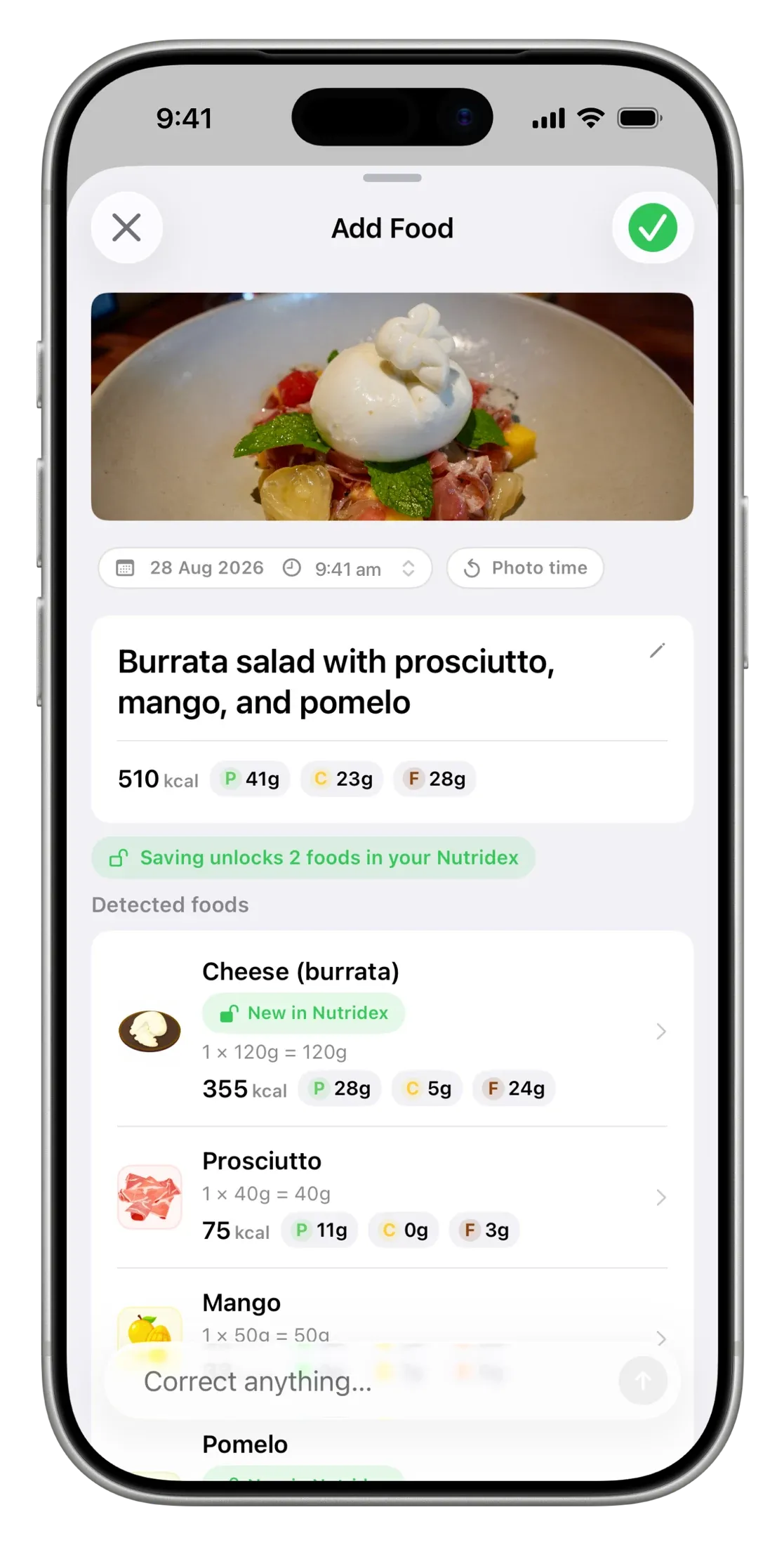
Use a photo, text or voice. Nutrify turns the meal into individual foods you can review before saving. Barcodes work too, we’ve got over 3 million foods in our database. And if Nutrify makes a mistake, correcting is as easy as texting a friend.
This demo uses fixed examples and estimated amounts.
3 Input preview

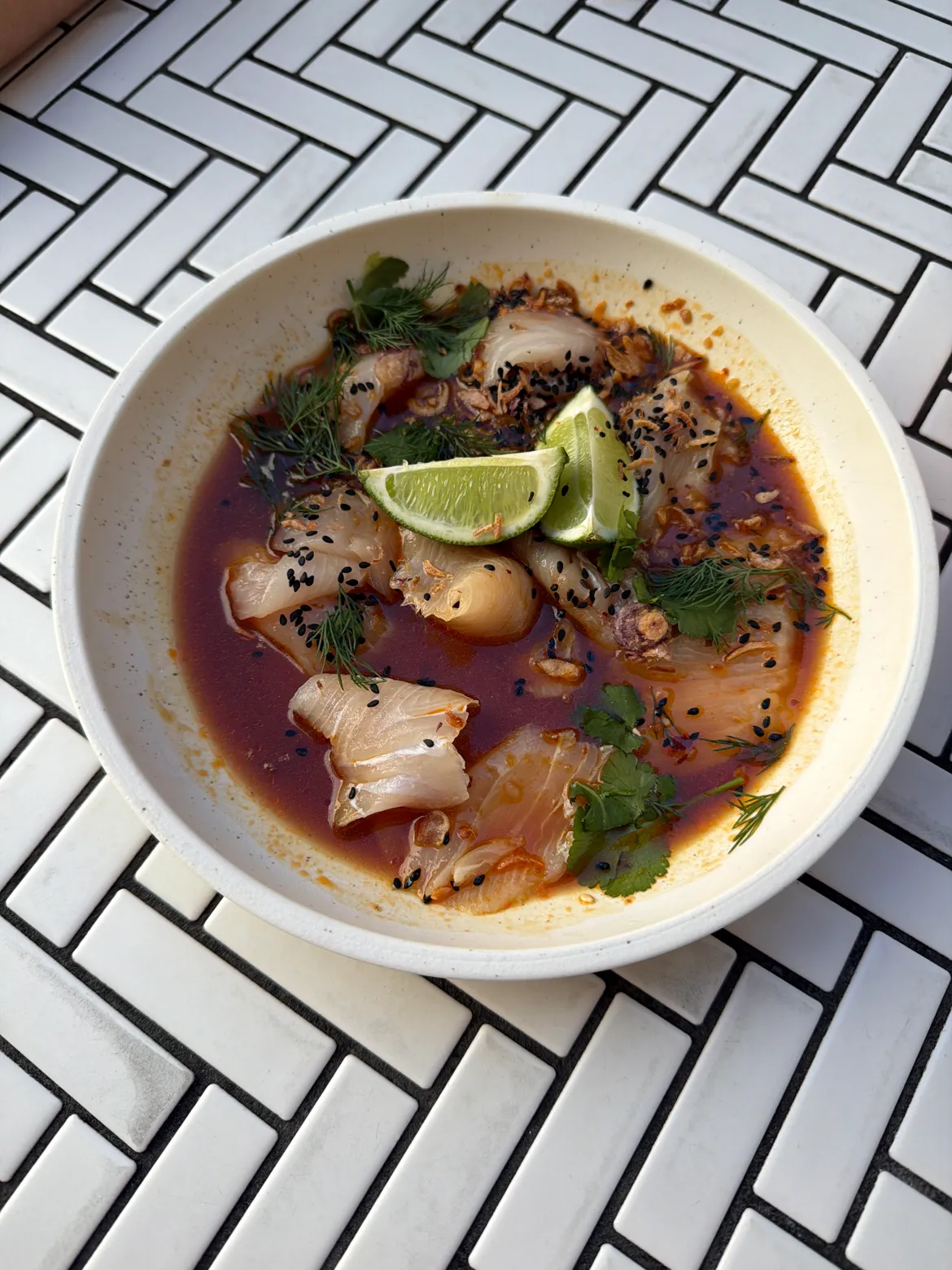
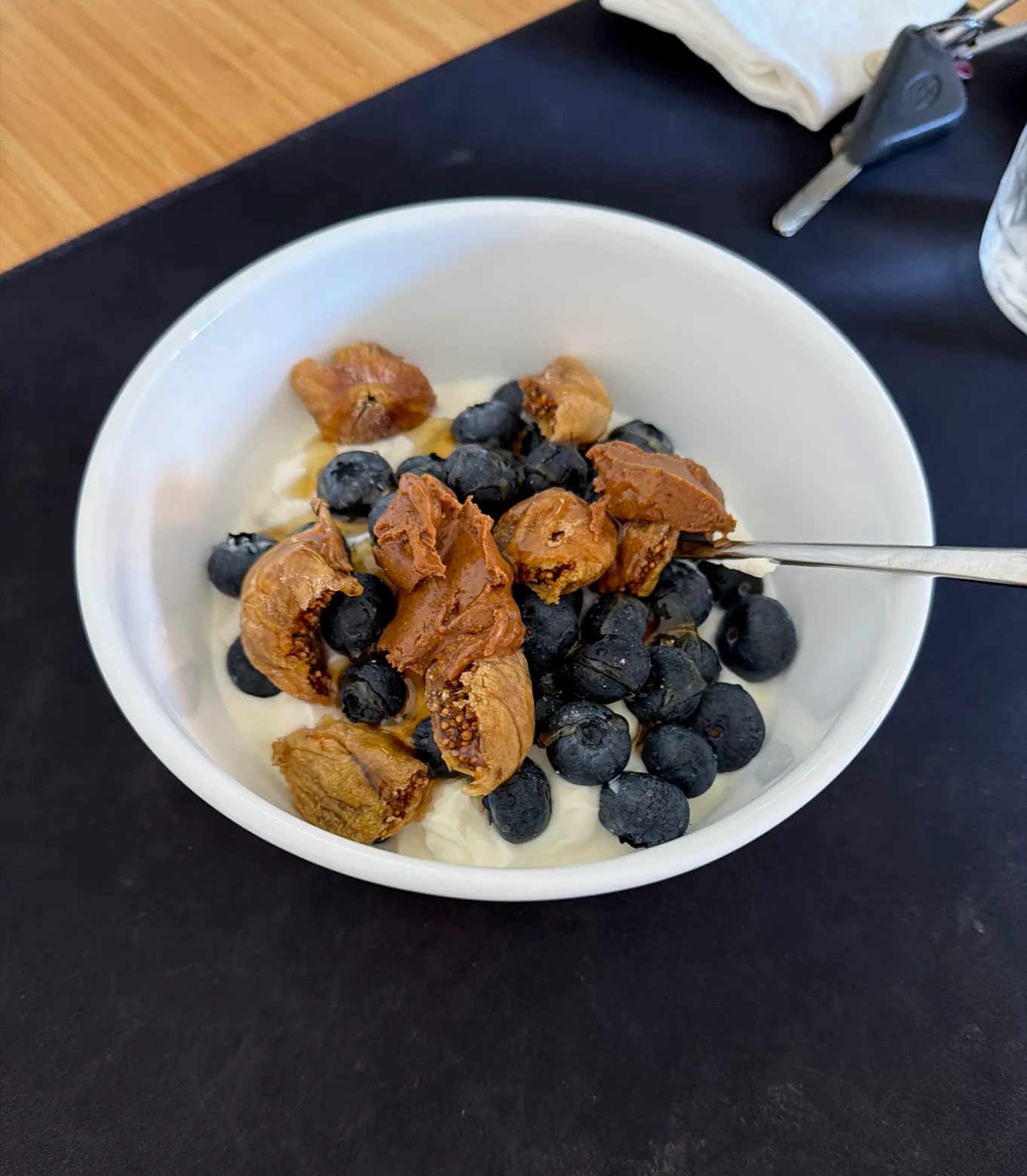
Reuben deli sandwich with corned beef, smoked ham, sauerkraut, Swiss cheese, cabbage slaw, ranch sauce and sourdough bread.
I had a Reuben deli sandwich with corned beef, smoked ham, sauerkraut, Swiss cheese, cabbage slaw, ranch sauce and sourdough bread.
4 Food breakdown
Estimated amounts based on the example input.
5 Text to correct
Showing original foods.
Nutrify encourages whole food eating by keeping it visual. See your foods alongside calories, macronutrients and micronutrients throughout your visual food diary.
Describe what you ate and Nutrify breaks it down into foods and nutrition. Need to change something? Add a food, adjust an amount or divide a recipe into portions with a quick message.

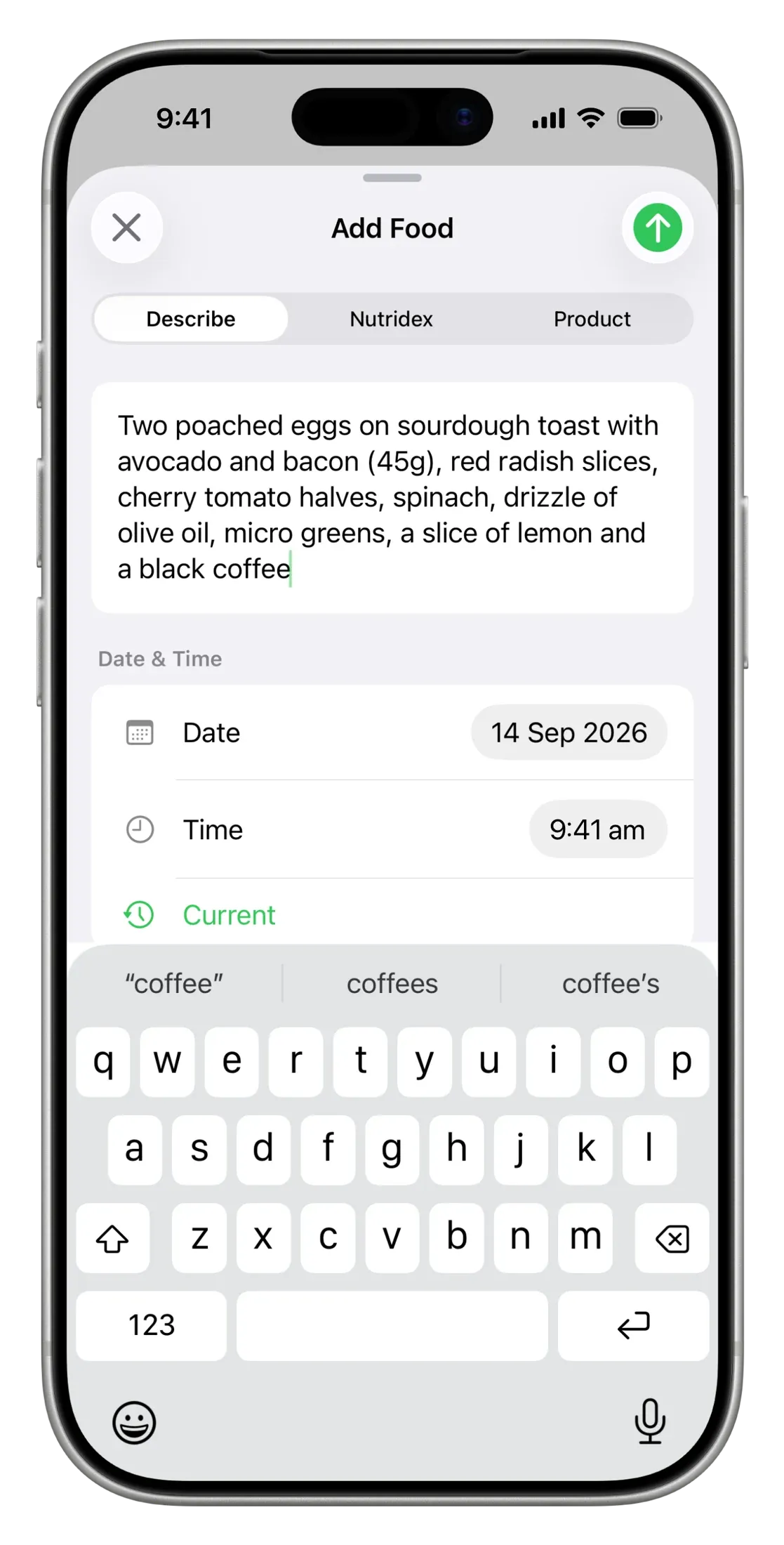
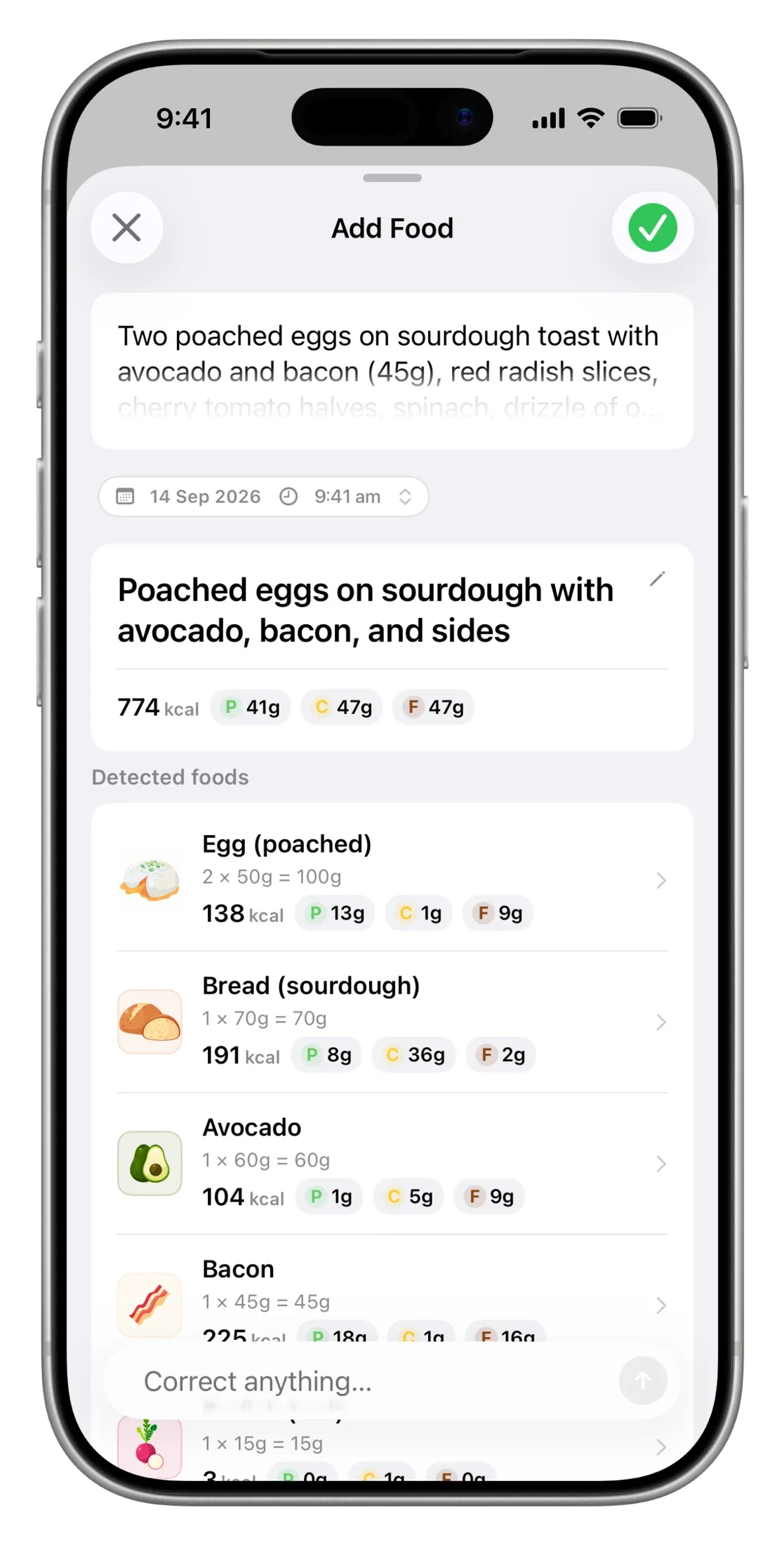
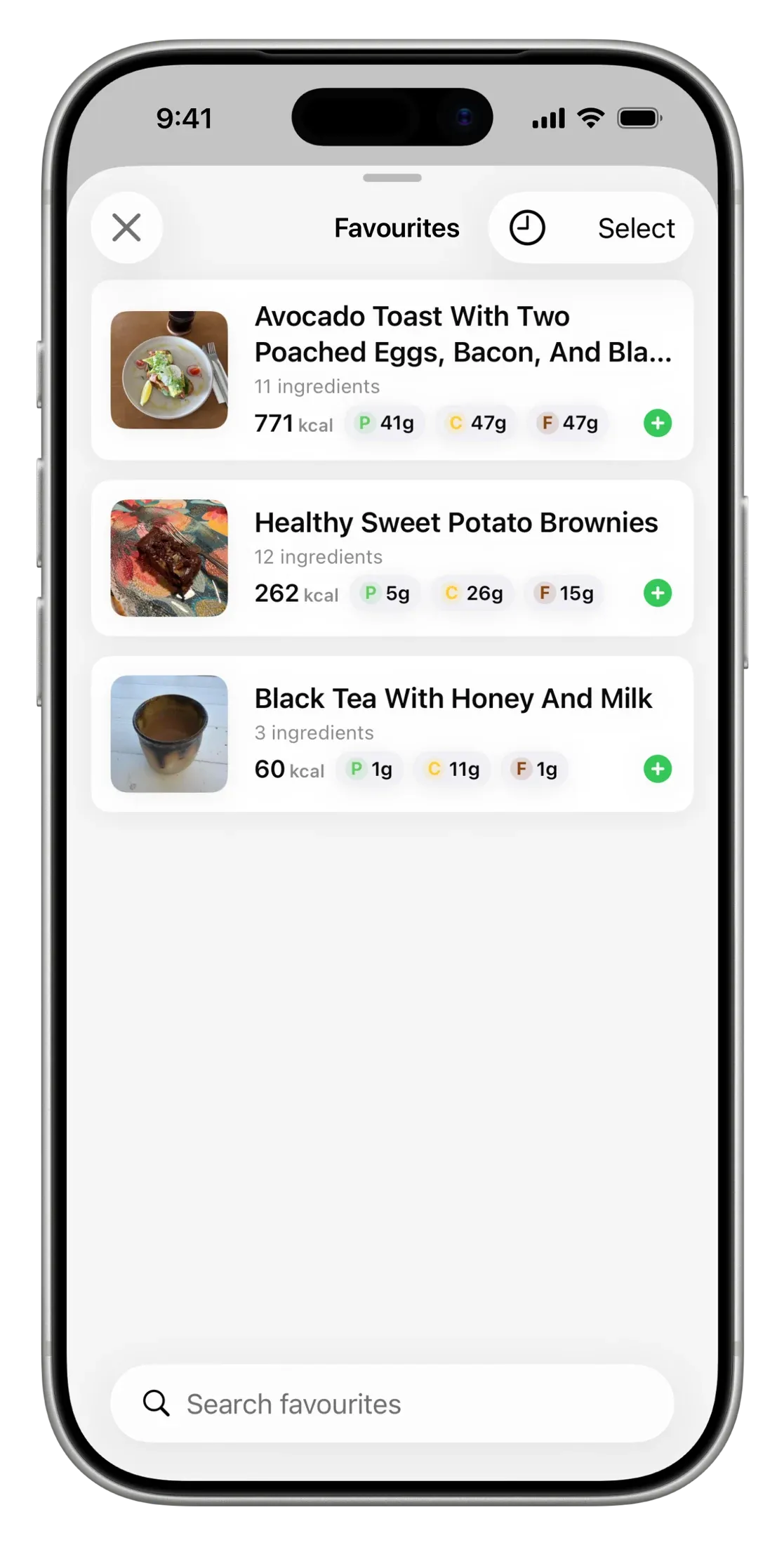
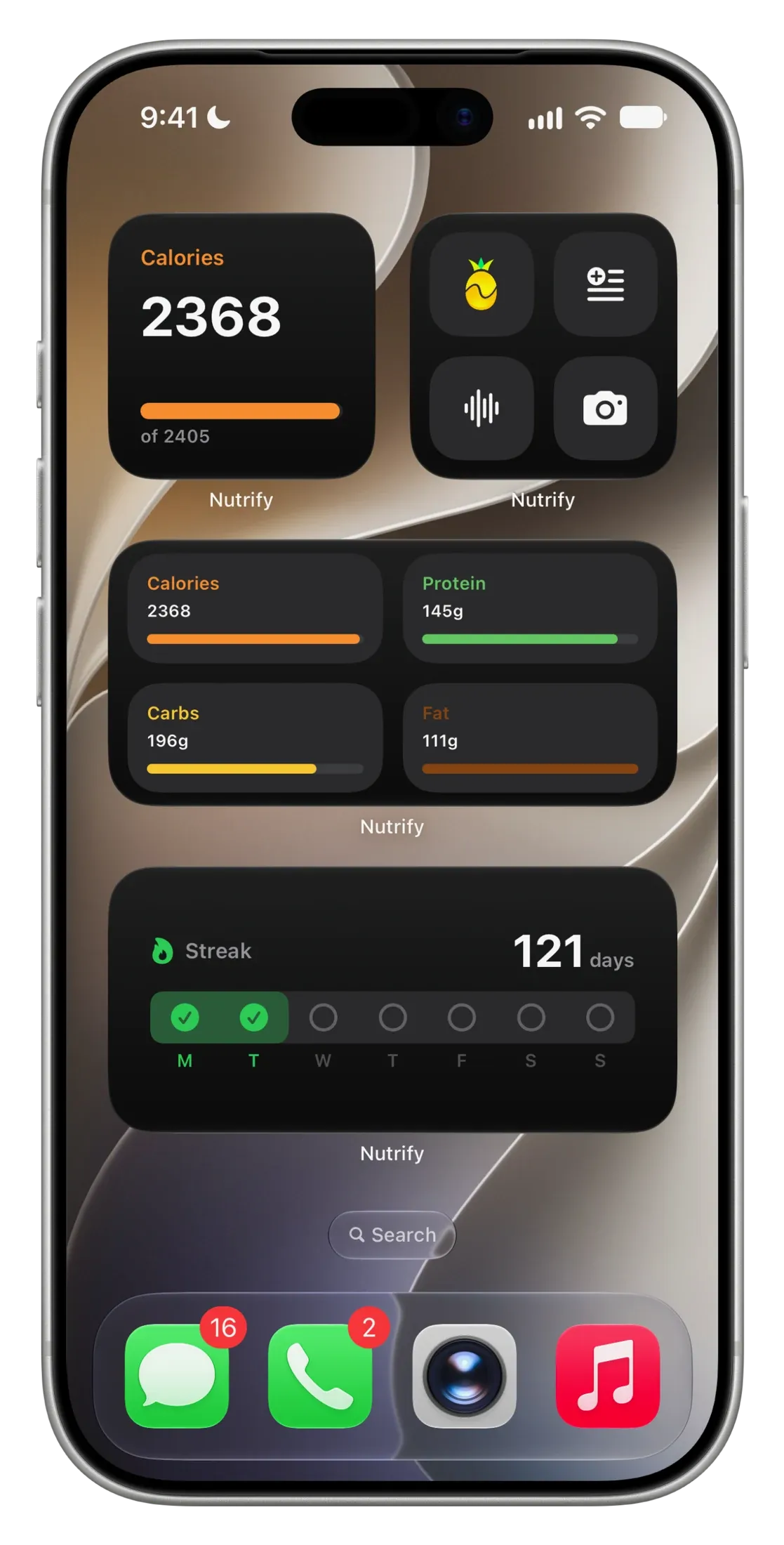
Keep your regular meals in favourites and log them again in a couple of taps. Add widgets to see your intake or open your favourite logging option from your home screen.


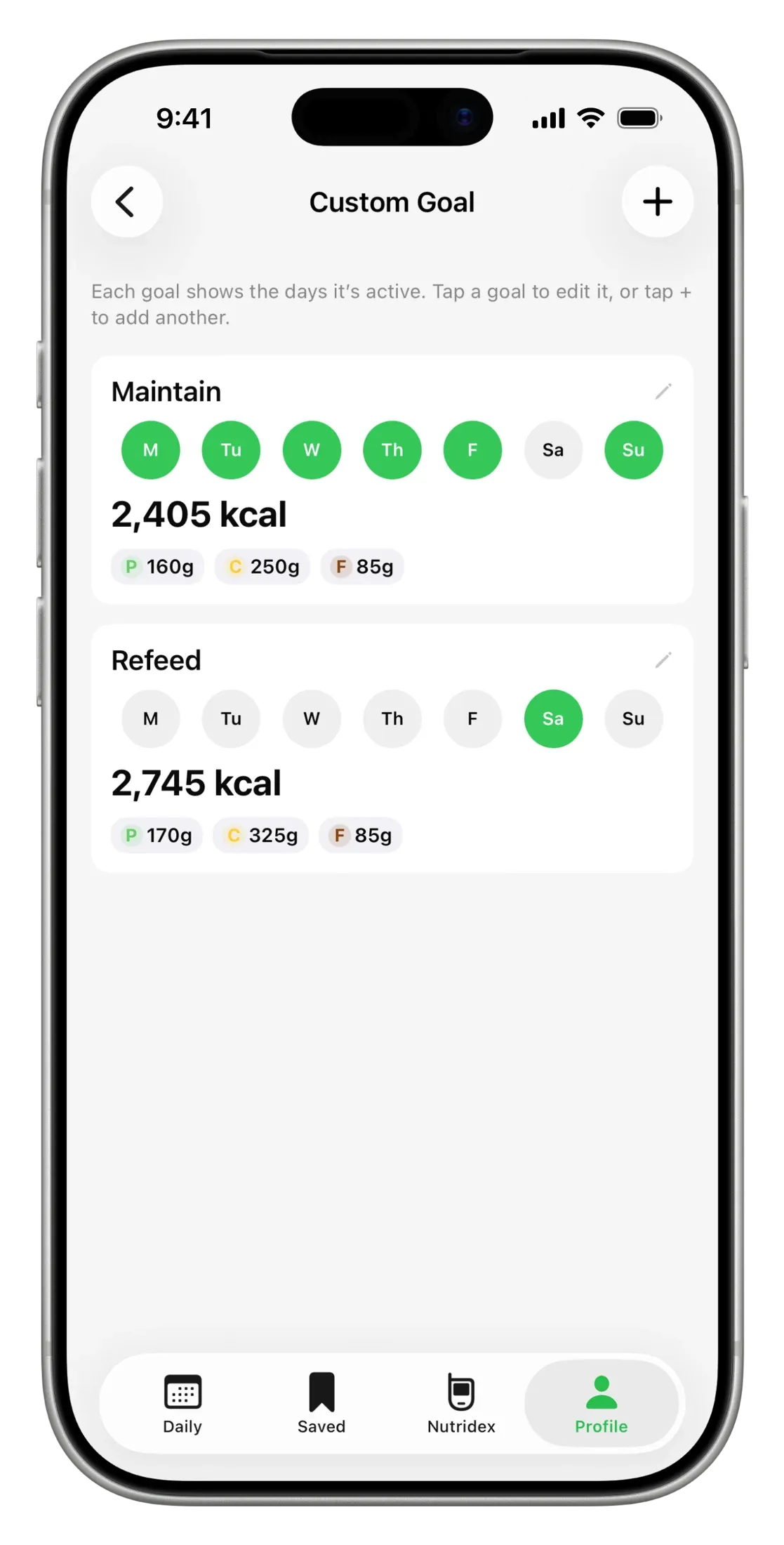
Set custom calorie and macronutrient goals to suit your week. Use the same targets every day or choose different goals for hard training days or rest days.

Add food stickers, a nutrition breakdown or both to your photos. Share your meals with friends, and find Nutrify’s food stickers in iMessage too.
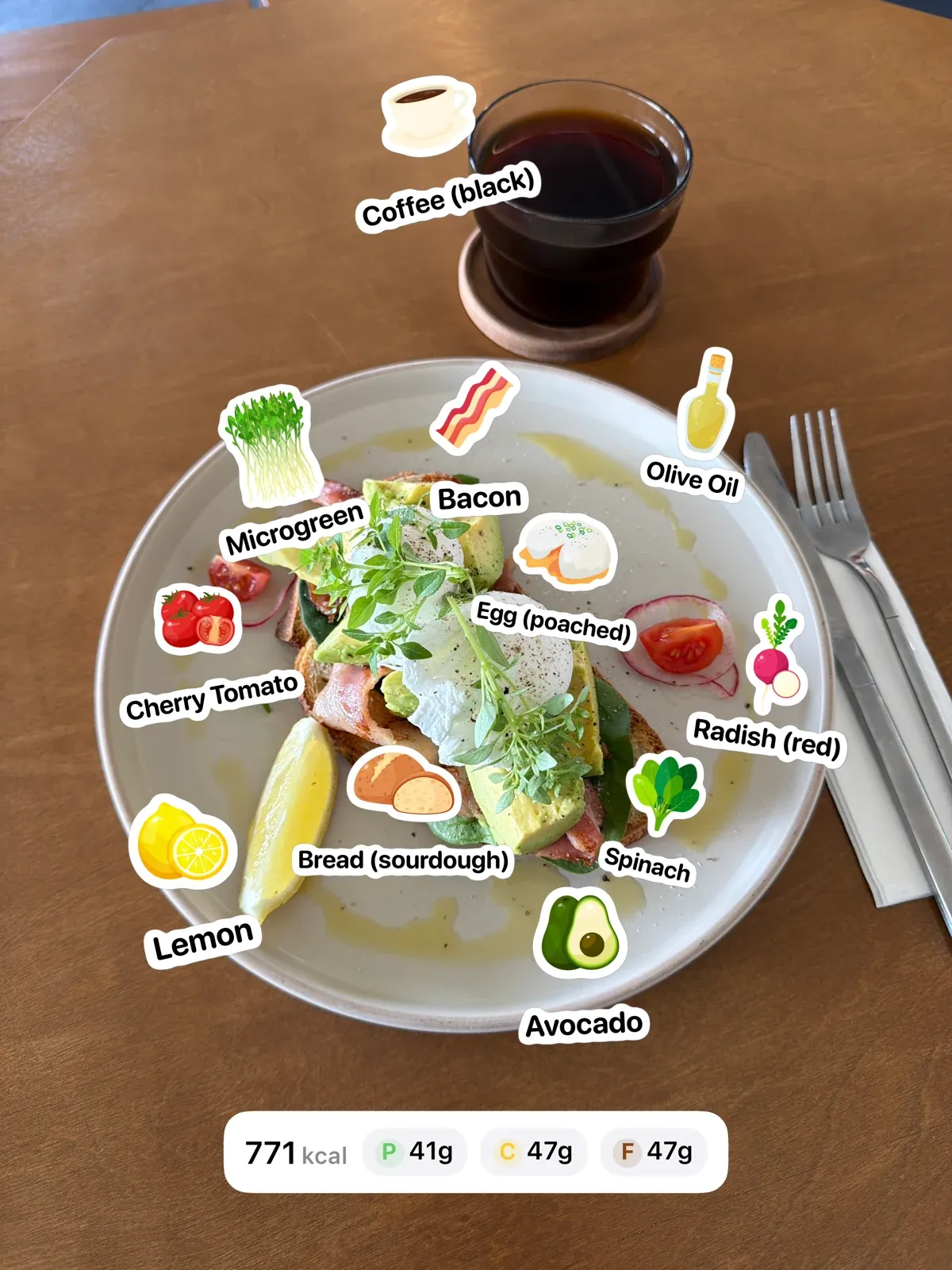
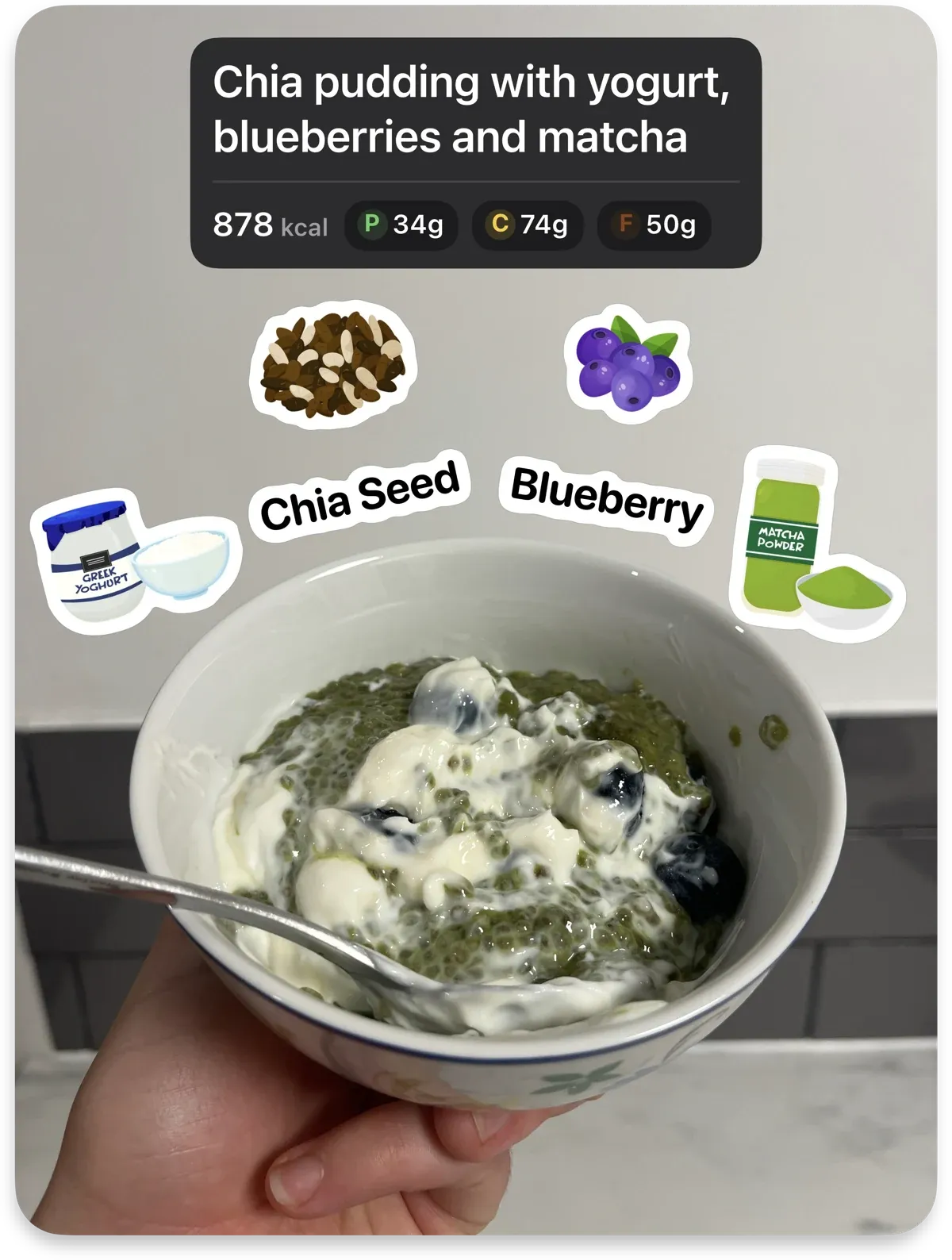
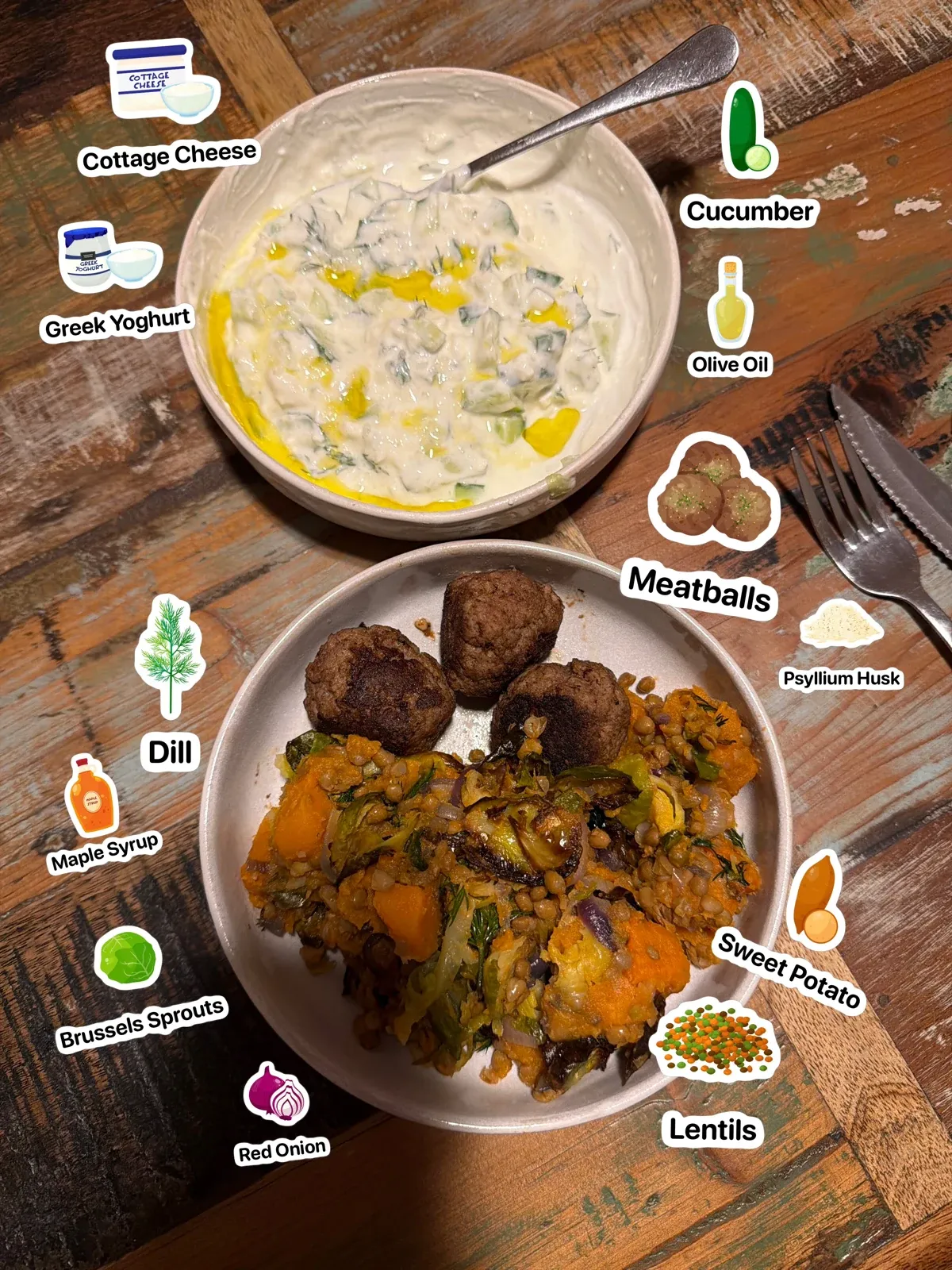
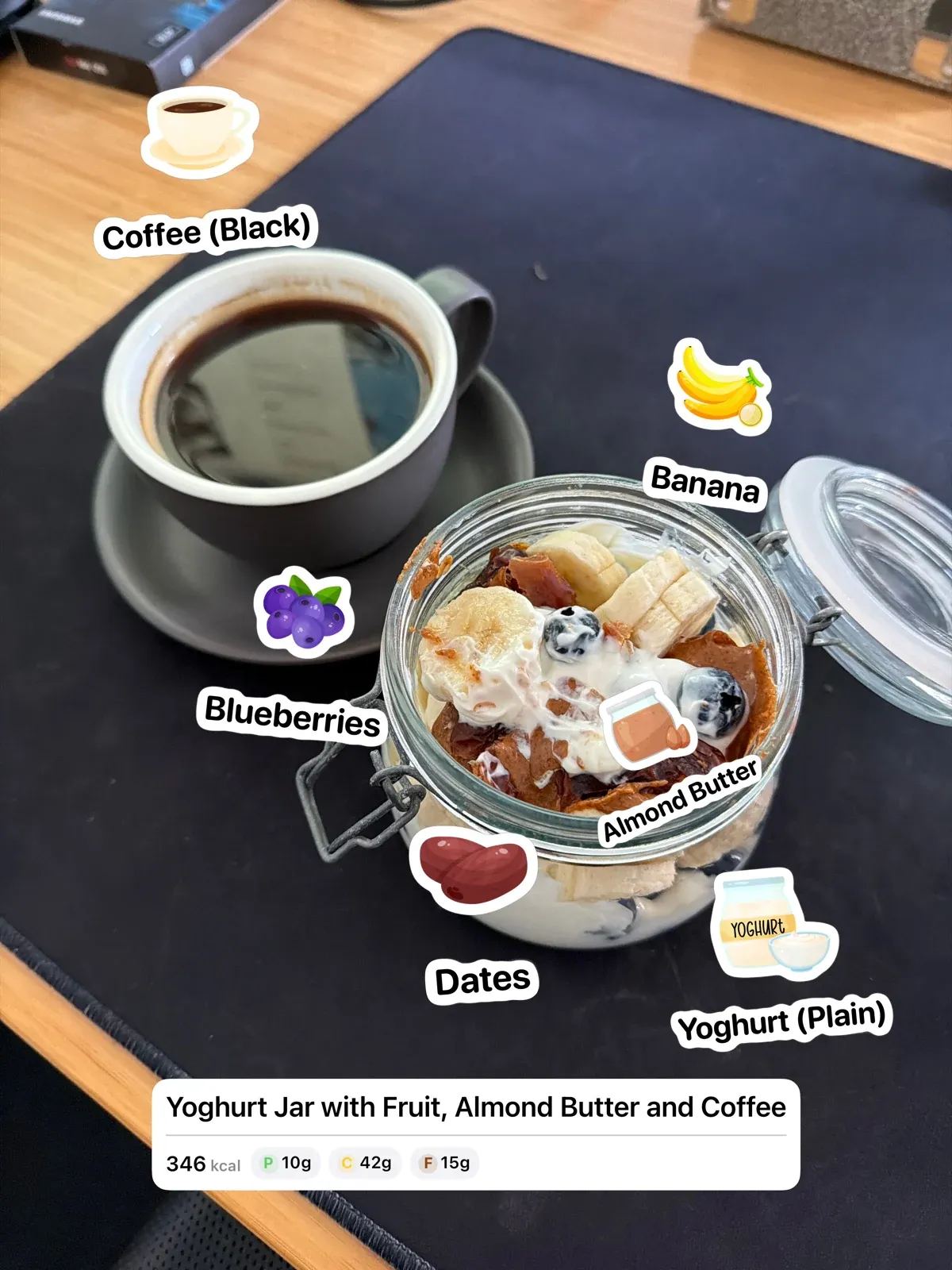
Nutrify makes learning about and tracking whole foods as easy as taking a photo.
Discover foods you could grow, find at a local market or cook in your kitchen. And when something comes in a packet, scan its barcode to log that too.
There are more than 1000 foods to discover, learn about and track.
Choose weekly flexibility or save with a yearly subscription.
$5.99 USD/week
Billed weekly after your free trial.
$49.99 USD/year
Billed yearly after your free trial.
Save 83% compared with paying weekly.
Both plans include all Nutrify features: photo, text, voice and barcode logging, corrections, favourites, stickers and custom goals.
Yearly savings compare one yearly payment with 52 weekly payments.
Prices shown for United States. Choose your App Store region to see local pricing. Your final price is shown in the app before you subscribe.
Nutrify is an iPhone app for learning about and tracking whole foods. It identifies foods, shows useful nutrition information and helps you build a visual food diary.
Take a photo, describe the meal in text, use voice or scan a barcode. Nutrify turns the input into individual foods that you can review before saving.
Yes. You can review the identified foods and adjust foods or amounts before saving. Text a correction to add or remove a food, change an amount or divide a recipe into servings.
Yes. Nutrify offers a 7-day free trial. Choose a weekly or yearly subscription, with billing starting after the trial. See the pricing section for plans in your App Store region.
Nutrify is available for iPhone on the App Store.
Download Nutrify and start with your next meal.